Appearance
Epics
An epic is a heading over work that already exists. It takes its progress and its estimate from the tasks filed under it.
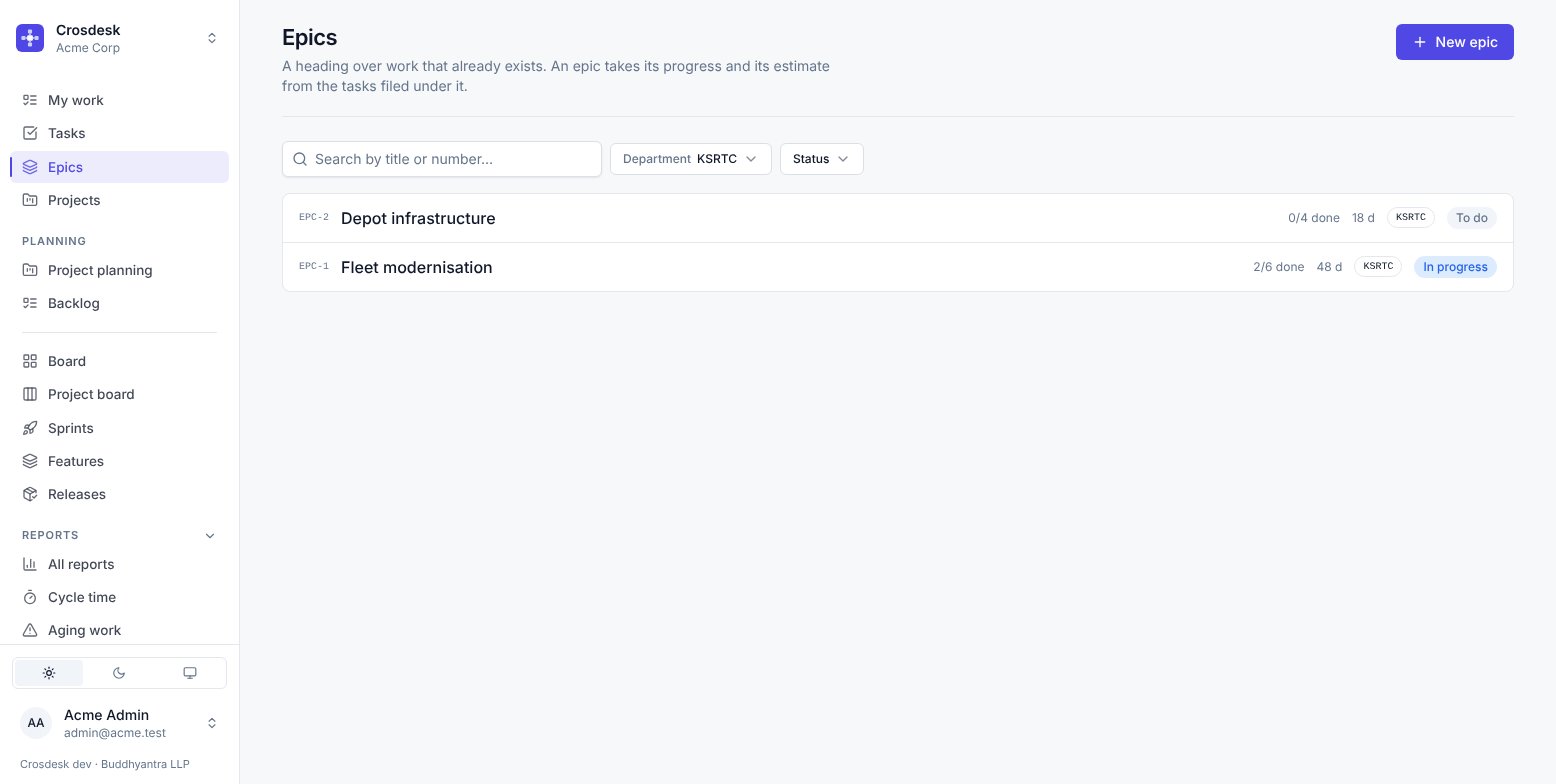
What an epic is for
Grouping. Fleet modernisation covers six tasks across several sprints; the epic is how you ask "how far has that got" without reading six rows.
An epic has no dates of its own and no estimate of its own. Both are the sum of its tasks, so an epic cannot disagree with the work underneath it.
Using one
- New epic creates it. It needs a name and a department.
- Put a task under an epic from the Epic field on the task.
- The epic page lists its tasks and totals them.
- On a canvas, New → From an epic places all of an epic's tasks at once.
Epic status
To do, In progress, Done — set on the epic, describing the heading rather than being computed from the tasks. An epic can be closed with unfinished work under it; the two epic reports exist to make that visible rather than to prevent it.
Deleting an epic
Asks first, and tells you how many tasks are under it. The tasks are not deleted — they lose the heading and keep everything else. An epic is a label with totals, so removing it removes the label.
Epic or project?
Both group tasks. The difference:
- A project has a shape — which work follows which — and can be verified into a dated plan.
- An epic is a label with totals. No ordering, no dates, no Verify.
Use a project when the order matters. Use an epic when you just want the work counted together.